Pacer Support Guide · Part 9 of 33
Garmin 3D Speed & Distance, and PacerPro
Boost pace accuracy on bridges and hills with 3D measurements — and make sure you can pace without PacerPro if it fails.
 Marcel Lennartz
1 min read
Updated
Marcel Lennartz
1 min read
Updated
3D Speed and 3D Distance#
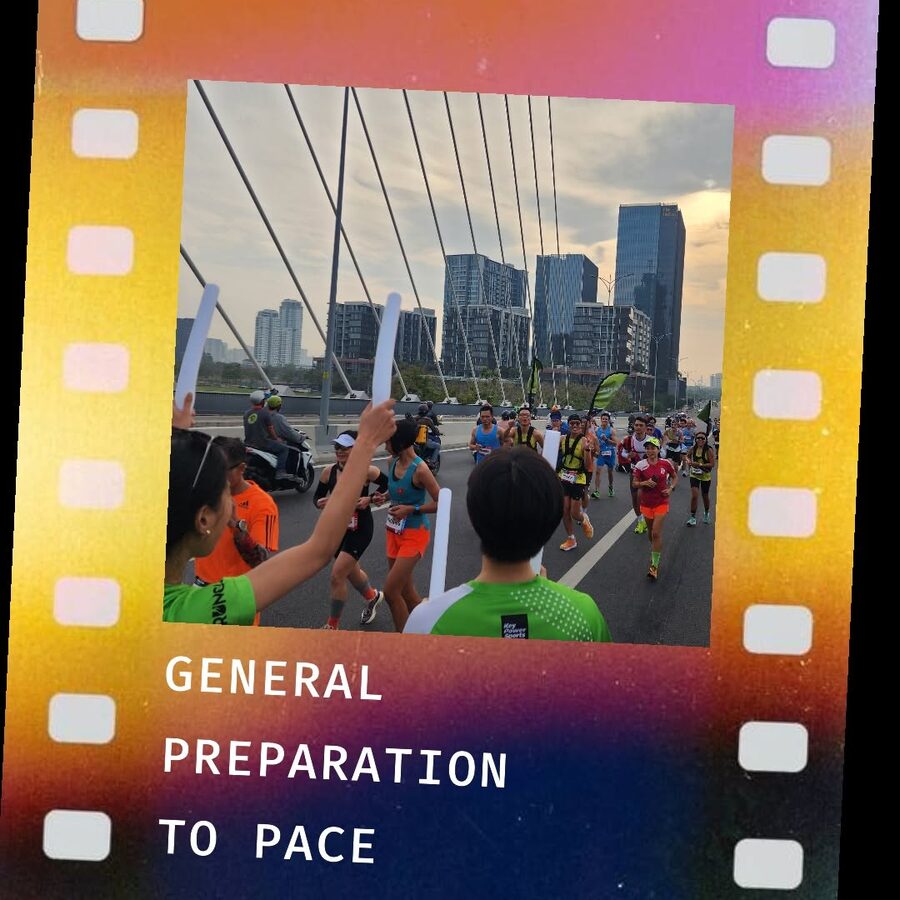
On routes with changes in elevation – including small or large bridges – activating 3D Speed and 3D Distance gives more accurate tracking. These features take elevation changes into account, resulting in more precise pace and distance calculations.
- Access activity settings: go to Activities & Apps › Run › Run Settings.
- Activate 3D features: scroll down and switch on 3D Speed and 3D Distance.
Garmin PacerPro#
Garmin PacerPro is a great tool. If you use it on race day, make sure that you:
- have used PacerPro many times before and know exactly how to set it up and use it; and
- are skilled enough to continue pacing if PacerPro fails (this does happen). Set up your data fields – such as Average Pace, Lap Pace and Distance – correctly, and know by heart the paces you need to run.